

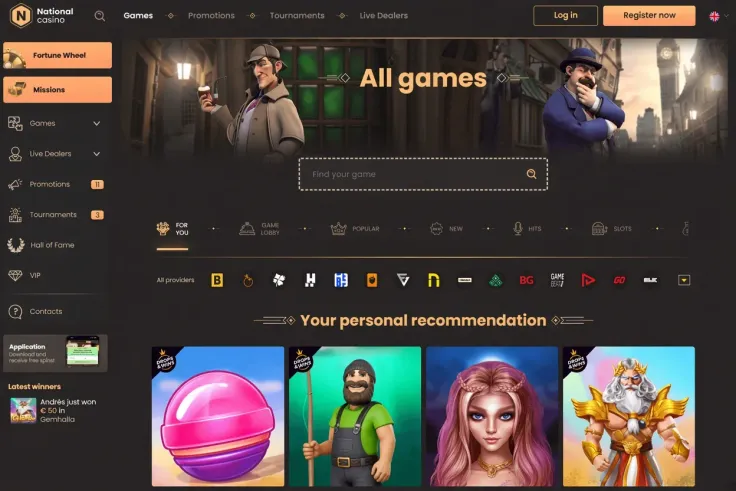
There is no National Casino app for Android. The National Casino app on Android is the mobile site in Chrome: you open the casino in your phone's browser and play from there.
That is the whole Android route. This page explains what the browser route means in practice, what not to install and what to look after on the phone itself.
What you can do on an Android phone

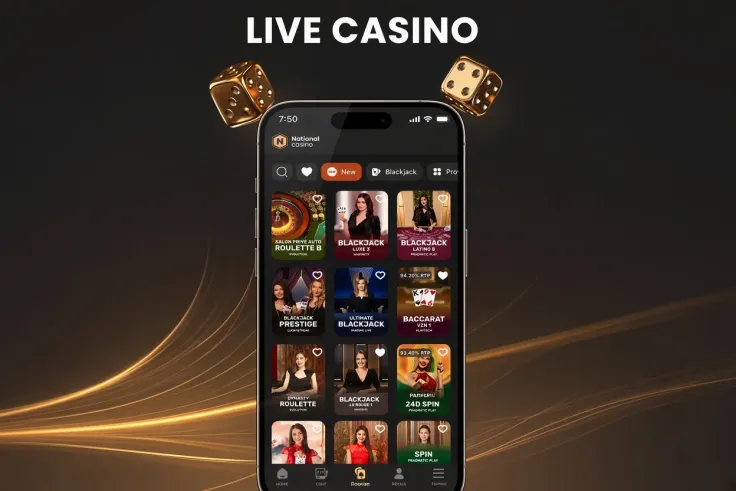
On Android, National Casino is a website you open in Chrome. You can log in to your account or create one from the same browser. National Casino has a live casino, and it is worth checking the live games on your own phone before you deposit. The mobile version page covers the steps for playing in a phone browser, so they are not repeated here.
Because there is no app, nothing is downloaded from a store, and there is no app to update. The casino you see is whatever the website shows when you open it, so a new Chrome tab is all you need to start a session. The steps above this text show how to get from the browser to your account. If you want one-tap access, Chrome can place a shortcut on your home screen, and the shortcut opens the same mobile site.
The iPhone has no app either, so the Android route and the iPhone route work in the same way and differ only in the browser and its menus.
Installing: what to expect without an app

There is no Android app file to look for, so the install question has a short answer: use Chrome and go to the National Casino website. Make sure you type the address yourself or open it from a source you trust, rather than from a link in a message.
Do not install an APK from a site, message or advert that claims to be a National Casino app. Apps from unknown sources can carry malware and can ask for access to your phone that a browser never needs. Only the browser route is listed for Android.
Practical points on a phone
Lock your phone with a passcode or fingerprint, and do not let anyone else use it while you are logged in. If Chrome offers to save your password on a shared device, decline.
Avoid logging in on public Wi-Fi, where other people share the connection. Log out when you finish on a phone that anyone else uses. Keep Chrome up to date, because the browser is how you reach your account. On mobile data, live dealer streams use more data than a simple slot, so watch your allowance.
Check whether the account offers deposit limits and time-outs, and set a limit before your first deposit. Gambling is entertainment that costs money, so deposit only an amount you can afford to lose. The safer gambling page explains the tools in more detail. A phone is always within reach, so decide on your limit before you open the browser rather than after.